
How to Implement Accounting Software in Your Business
Introduction
In today’s fast-paced business environment, manual bookkeeping is no longer sustainable. Accounting software automates financial tasks, improves accuracy, and provides real-time insights. However, implementing new software requires careful planning. Follow this step-by-step guide to ensure a smooth transition.

Step 1: Assess Your Business Needs
Before choosing software, evaluate your requirements:
- Pain Points: Are invoicing delays or payroll errors common?
- Compliance: Do you need industry-specific tax reporting?
- Scalability: Will the software grow with your business?
- Integration: Does it need to sync with CRM or inventory tools?

Step 2: Research and Select the Right Software
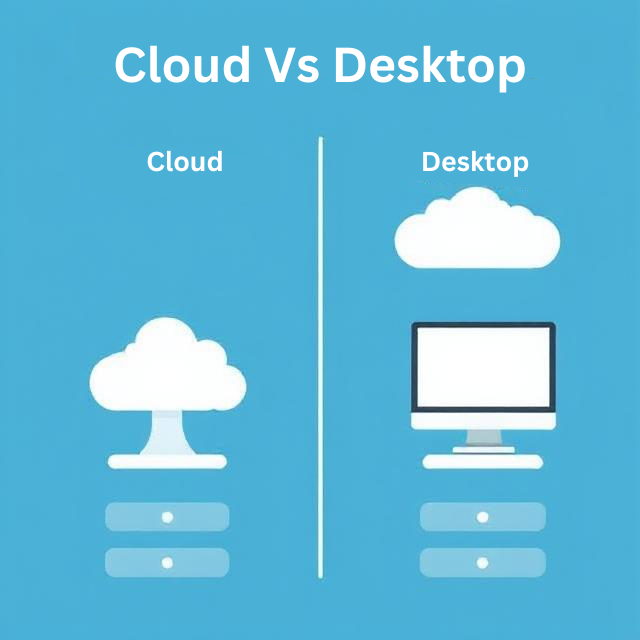
Narrow down options by considering:
- Budget: Compare subscription models (eg : Busy or Dollar ERP ) vs. one-time licenses or Yearly renewal .
- User-Friendliness: Opt for intuitive interfaces to minimize training time.
- Key Features: Look for invoicing, expense tracking, payroll, and reporting.
- Vendor Reputation: Read reviews and ask for demos.
Step 3: Plan the Implementation Process
Create a project plan:
- Assign a project manager to oversee deadlines.
- Set a rollout timeline (e.g., 3–6 months).
- Allocate resources for data migration and training.
Avoid This Mistake: Don’t skip stakeholder communication—keep everyone informed!

Step 4: Migrate Data Securely
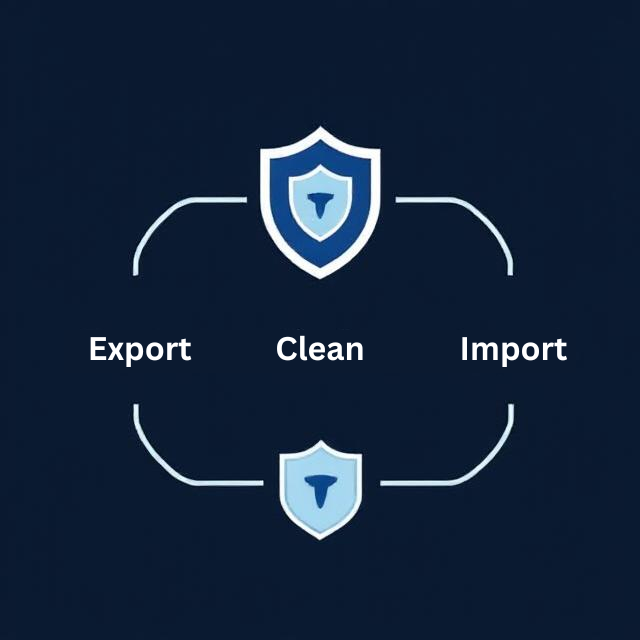
- Backup Data: Export existing records (e.g., invoices, contacts) from spreadsheets or legacy systems.
- Clean Data: Remove duplicates and outdated entries.
- Test Migration: Run a trial with a small dataset first.
- Encrypt Files: Ensure secure transfer to prevent breaches.
Step 5: Train Your Team
- Host workshops or webinars led by the software vendor.
- Create cheat sheets for common tasks (e.g., generating reports).
- Designate “super users” to assist others post-launch.

Step 6: Test the System

- Run parallel processes (old vs. new system) for 1–2 months.
- Verify data accuracy (e.g., balance sheets, tax calculations).
- Fix bugs and adjust settings as needed.
Step 7: Go Live and Monitor
- Start using the software for all financial operations.
- Monitor performance and gather user feedback.
- Schedule follow-ups with the vendor for technical support.

Step 8: Optimize and Scale

- Explore advanced features (e.g., AI-driven analytics).
- Integrate new tools (e.g., payment gateways).
- Update software regularly for security patches.
Conclusion
Implementing accounting software is a game-changer for efficiency and decision-making. By following this guide, you’ll minimize disruptions and maximize ROI. Ready to take the leap? Start by auditing your business needs today!

Finally found a login link that actually works without any redirects. Great service and the support team is very responsive. Give nibung88login a try.
Honestly, the variety of games here is insane. I spent the whole weekend exploring and I’m impressed by the stability. Highly recommend uk999game to anyone looking for some real fun.
This is a solid choice for anyone looking for a stable gaming site. No lags and the withdrawals are processed surprisingly fast. ph89jili